
Promotional Sales Platform
Flexible Pricing and Fundraising
Maintain pricing control on the sales side
To streamline ticket operations, separate price codes are not required when running Spinzo promotions at varying prices. Spinzo can "set" or "override" a price as it pushes the sale into your ticketing system. The sales team sets the price based on the size of the group or level of partnership. That price is what flows in automatically, no matter what the existing price of the price code was.
Automatic multi-method dynamic pricing
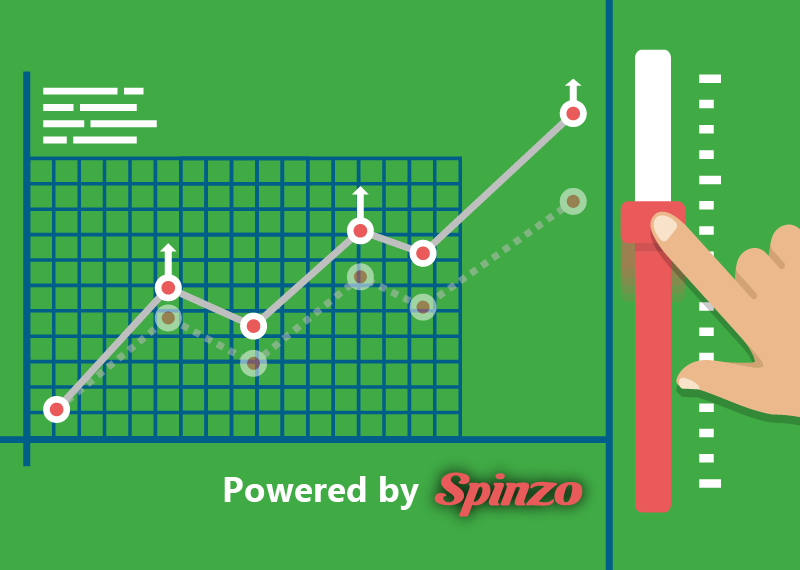
Spinzo's dynamic pricing functionality allows you to "follow" one price code but sell into another. This is useful if you'd like all Spinzo sales to come in at a specific ticket type (e.g., a Spinzo ticket type) but want the price to be something dynamically set (e.g., by Pricemaster or other dynamic pricing tool). The two concepts are independent which gives you full flexibility.
In terms of "following" a price code, Spinzo provides two methods. One follows the fully-qualified price code. Another follows the ticket type code. Having both methods is important as it accommodates dynamic pricing rules that create a new fully-qualified price code for every changed price. In that case, following the ticket type code ensures Spinzo is looking at the most recent price code in the series.
Dynamic modifiers unlock possibilities
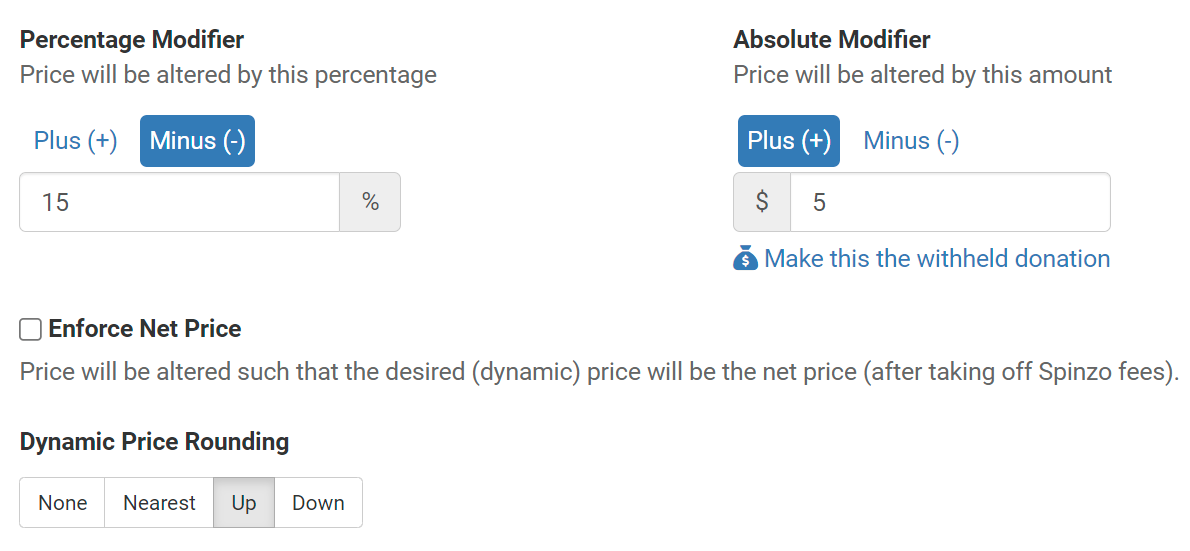
Spinzo can invoke "modifiers" to adjust the dynamic price by a percentage or dollar amount. This is useful to follow the regular single game ticket price then apply a discount (e.g., 15% for group tickets). Spinzo continuously monitors and adjusts the price. Dollar modifiers are useful to add in the cost of an accompanying item like merchandise, or to account for a fundraiser. You can tell Spinzo to add $5 to the dynamic price for merchandise or a fundraiser. Spinzo can then optionally carve out that amount for separate off-line payment, or place it into a separate barcoded item. Spinzo has the option to round up, down, or to the nearest dollar, if desired, after applying modifiers.
Automate payment splits with ease

Spinzo has the ability to increase the ticket price that enters your ticketing system and pay the difference with a separate method of payment. This unlocks the ability to run subsidized promotions where the sponsor partially pays for tickets. For example, if tickets are normally priced at $100, and you offer them to a company's employees for $80, the company can choose to pay $30 of that, leaving $50 for the employee to pay. Even with a $50 payment, Spinzo can register $80 into the ticketing system with $30 of that scheduled to be paid off by the company. This means that the proper ticketing revenue is reflected in the system at the moment of the transaction.
Showcase fundraising and donation options
Payment logistics handled by Spinzo
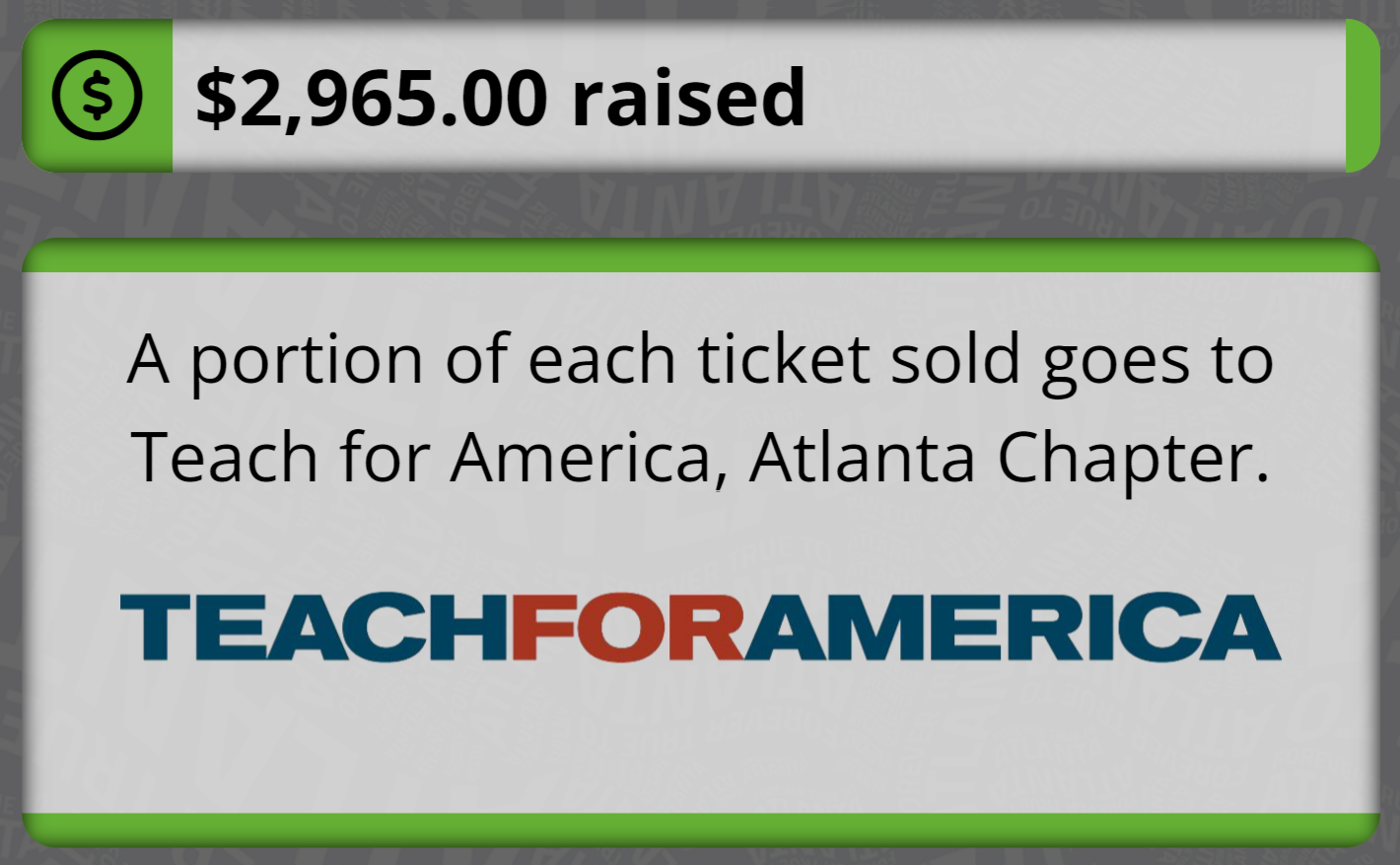
Spinzo streamlines all fundraising efforts from end-to-end. When building promotions, you can designate a certain dollar amount or percentage to be withheld by Spinzo for a fundraiser (or for any other withholding purpose, such as paying a merchandise vendor). The dollar amounts can be different based on seating zone.
When the promotion has concluded, Spinzo automatically lists it as a third party payment in the management dashboard. You can then create a payment batch and instruct Spinzo where the funds are to be sent. Spinzo will pay via check or bank transfer. The dates and reference numbers are tracked directly on the dashboard. Spinzo provides this service free of charge and pays the mailing fees, check fees, and bank transfer fees.
Spinzo also has the ability to invoke whole-order donation where buyers purchase tickets on behalf of another group or charity. These tickets are placed into a central account for distribution by the team or venue.